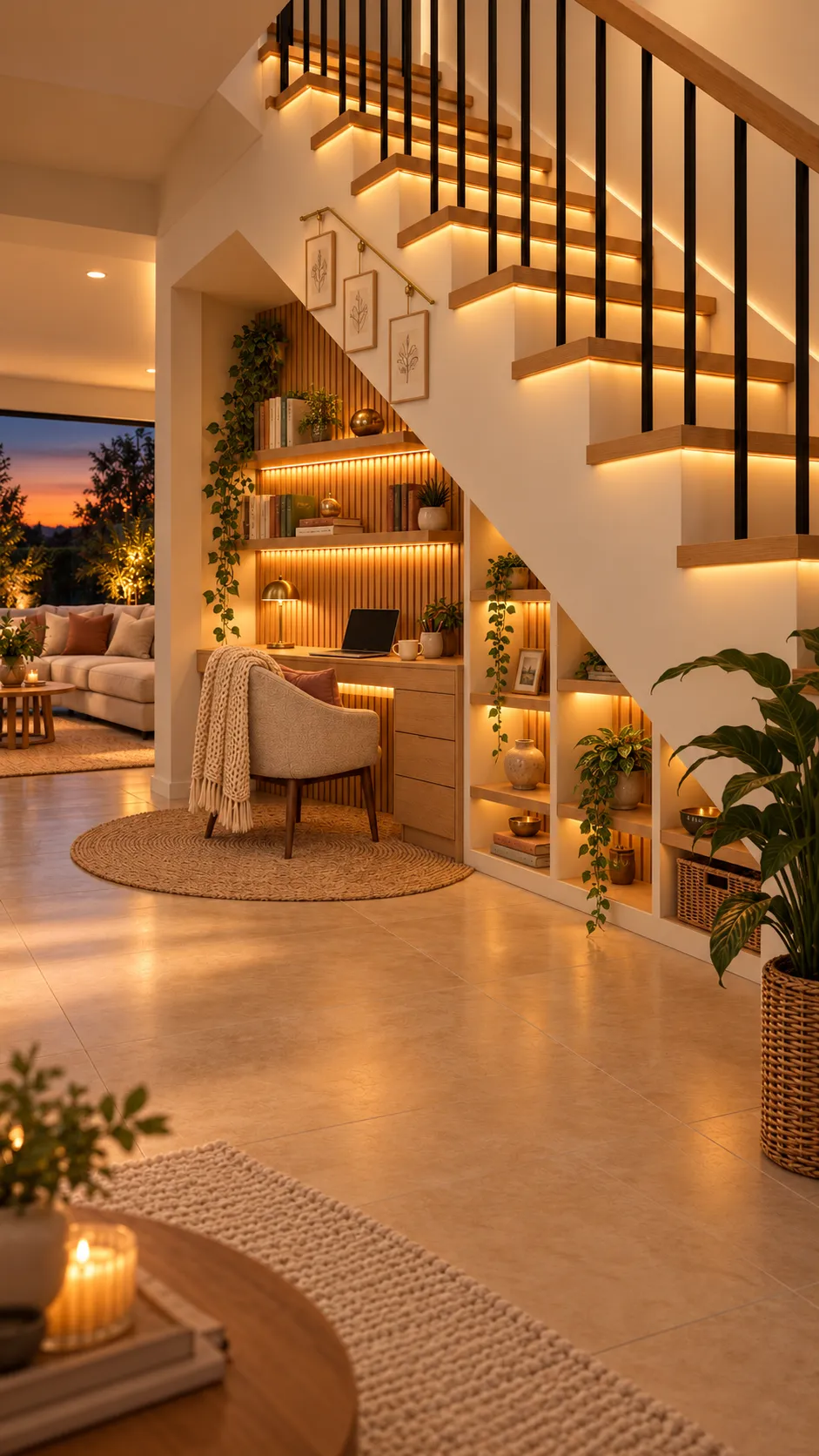
An under-stair void is just enough for one person's workstation, and whether it works or not is decided with a tape measure before anything is ordered. Two heights need checking: the one above the desk, where your head meets the slope, and the one behind, where the chair has to pull back. With those two resolved, the rest — shelves, niches, lighting — is the easy part.
Items shown are similar to those in the video, not necessarily identical.
A top cut to the void's exact size, which is what lets you use a space no shop-bought desk fits. Ask for edging on the visible sides and a grommet at the back corner, because drilling it later with the top fitted is awkward and nearly always leaves it chipped. The usable depth for working with a laptop and papers is around sixty centimetres; below fifty it works badly.
See similar on Amazon(paid link)A low-backed chair on fixed legs, which at a workstation integrated into a living area looks better than an office chair and takes considerably less space. The known drawback is lumbar support, less than on an ergonomic chair, so consider it only if the desk gets used for a while each day rather than eight hours. Measure the seat height against the top: with a desk at seventy-five, the seat wants to be around forty-five.
See similar on Amazon(paid link)A four-thousand-kelvin strip with a dimmer, to mount under the shelf that sits in front of your head. Neutral tone is what keeps you alert and doesn't yellow papers; warm 2700 lamps that work in a living room feel sleepy at a desk. Look for a colour rendering index above ninety if you work with colour, and an opal diffuser so the dots don't show reflected in the screen.
See similar on Amazon(paid link)A ring with a cover let into a hole in the top so cables drop behind rather than over the edge. On a desk against a slat backing it's what prevents the bundle of cables hanging down the side, the first thing that spoils a well-resolved workstation. Put it at the back corner rather than the centre: centred it lands exactly where your arms rest or where the monitor goes.
See similar on Amazon(paid link)A power strip with fixing screws to mount under the top or inside the backing cavity, so it doesn't sit on the floor gathering dust. Allow more sockets than you need today: a workstation accumulates chargers over the years, and adding a second visible strip undoes the work of hiding the cables. A master switch saves unplugging each device when you finish.
See similar on Amazon(paid link)Some links on this page are affiliate links. If you make a purchase through them, we may earn a commission at no extra cost to you.
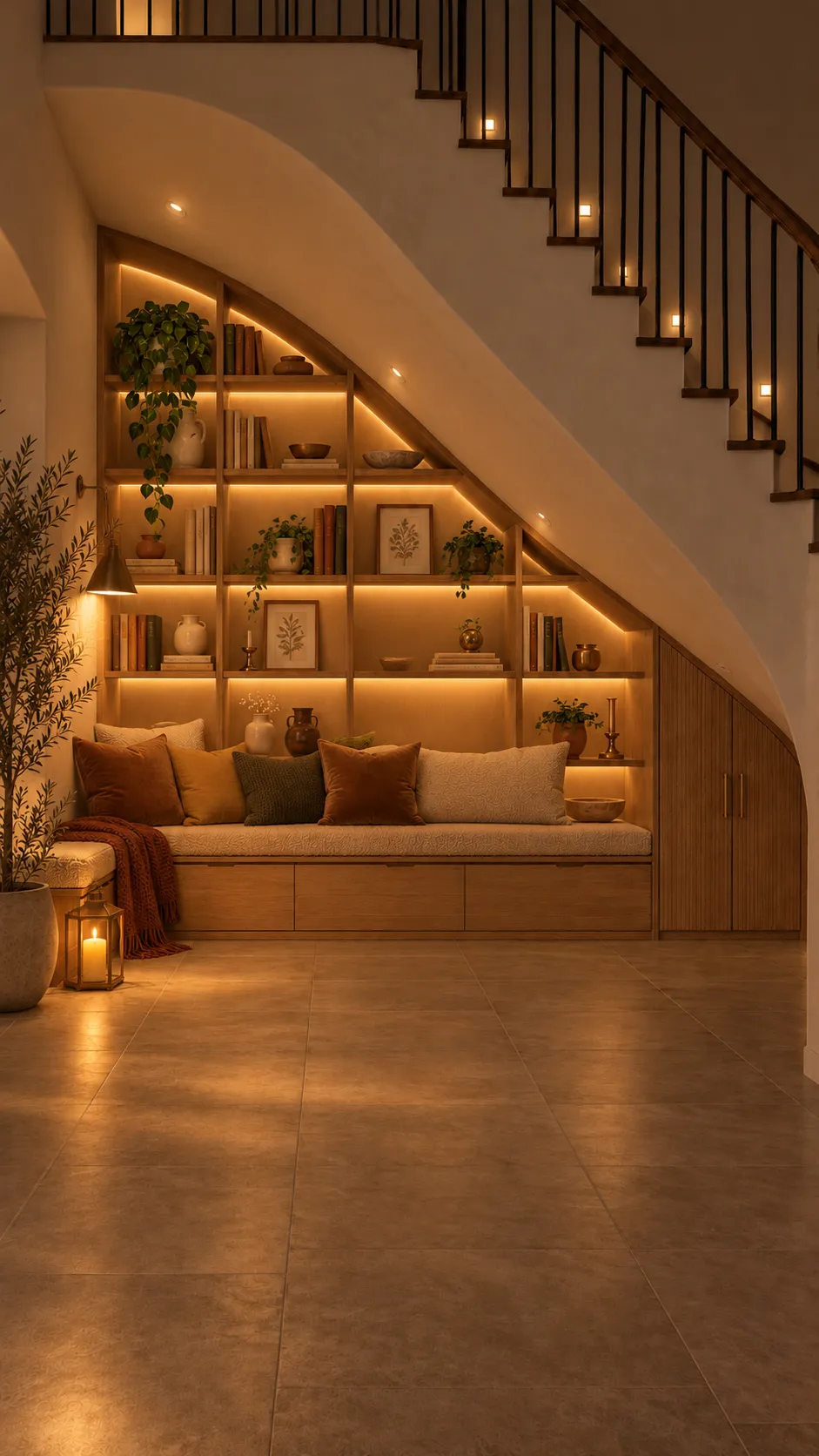 Staircase
Mediterráneo Sereno
Under a curved staircase the ceiling does not come down in a straight line but describes an arc…
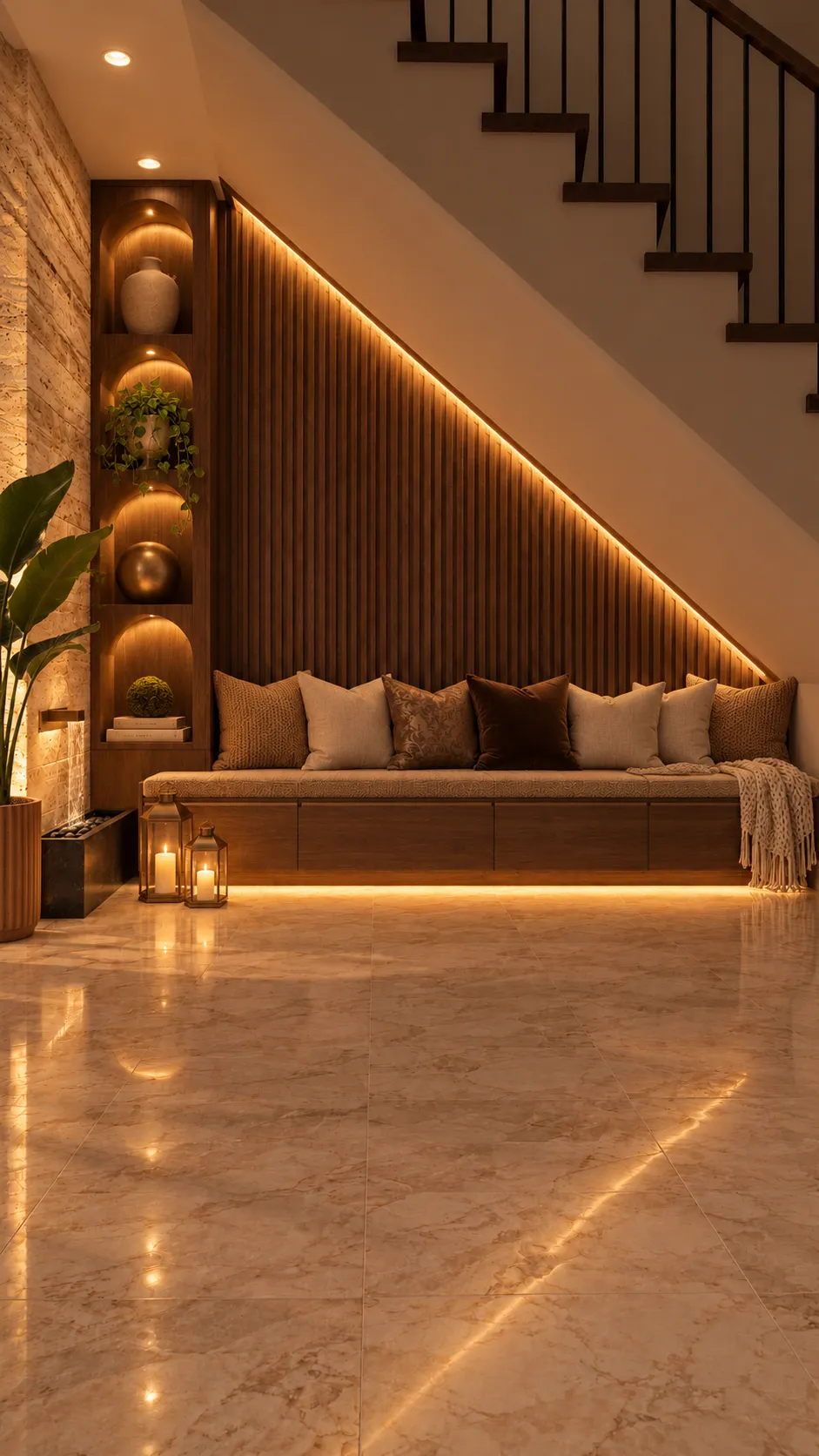 Staircase
Lujo Cálido
The slatted plane fills the whole triangle the staircase leaves, and along the top edge, right…
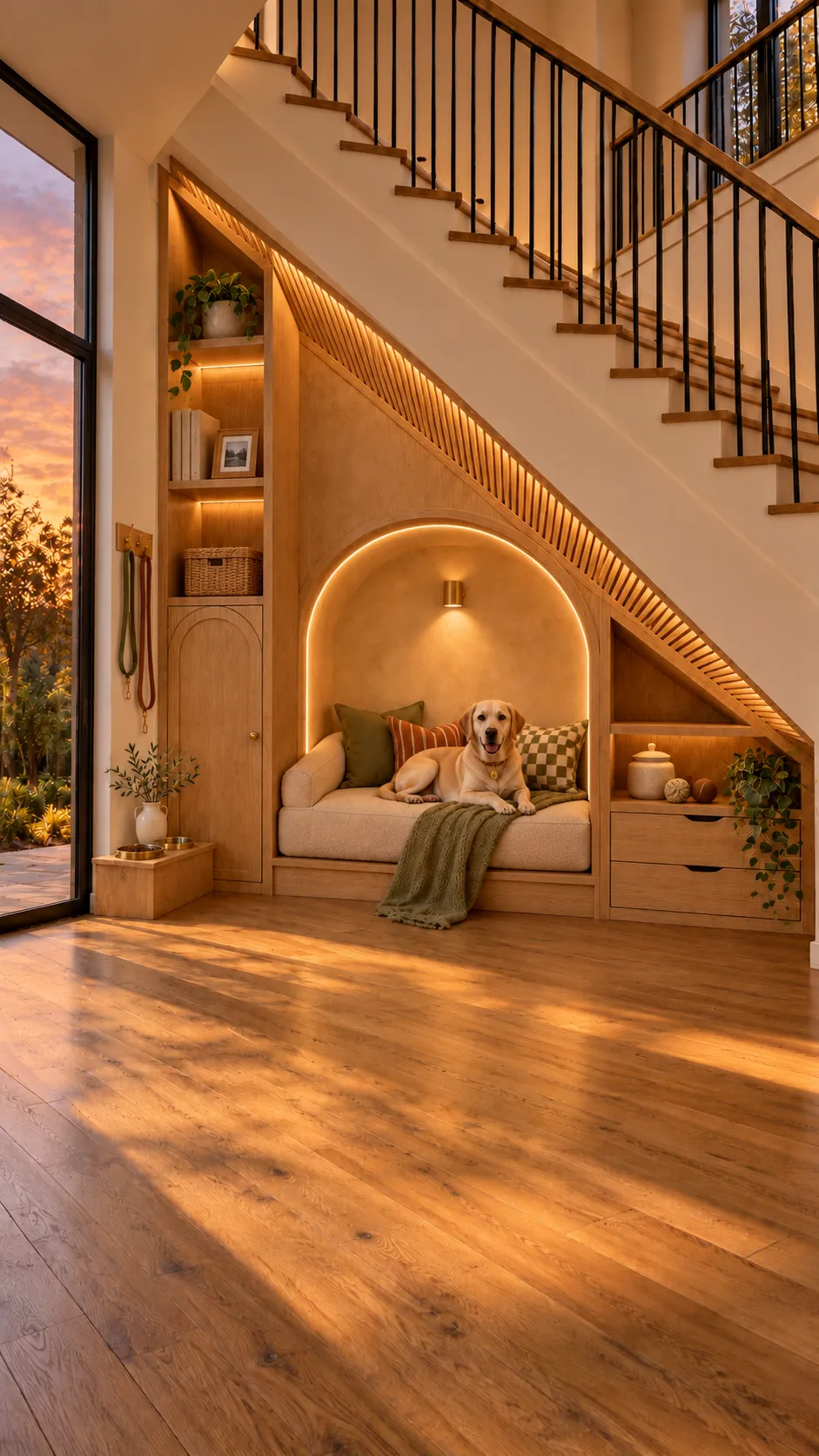 Staircase
Natural Familiar
The dog's bed sits inside an arch cut into the staircase front, not against it. That difference…
 Tu Casa